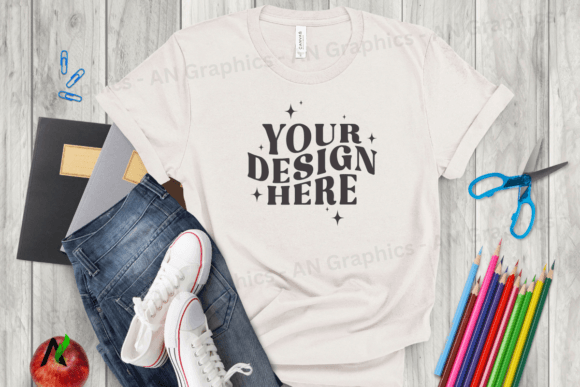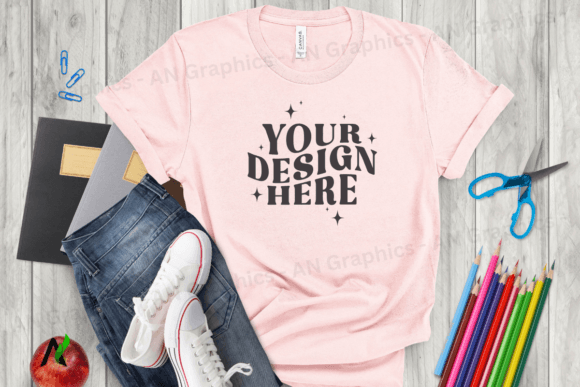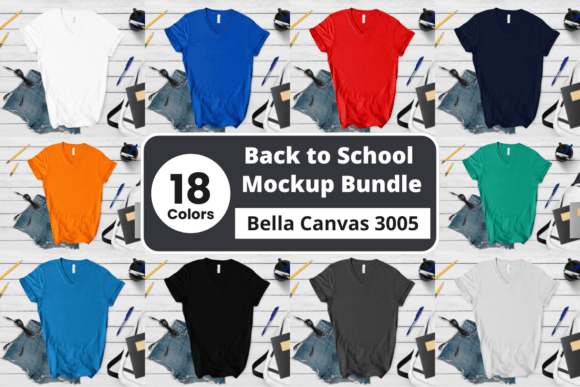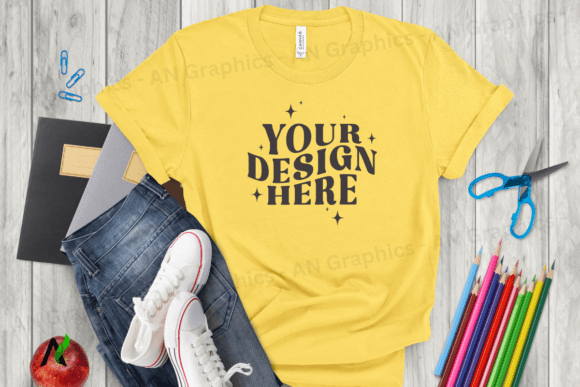
Back to School Bella Canvas Mockup 0250
Looking for a high-quality, easy-to-use t-shirt mockup that brings your designs to life? The Back to School Bella Canvas Mockup 0250 is the perfect solution for creators and small business owners who want to showcase their t-shirt designs in a professional way. This flat, high-resolution JPEG mockup provides a realistic preview of how your design will look on a real Bella Canvas t-shirt, making it ideal for online shops, social media marketing, and more.
The Back to School Bella Canvas 3001 T-Shirt Mockup is part of a digital download package that includes a high-resolution image measuring 3750 x 3000 px at 300 dpi. It's designed as a flat image with no smart objects or layers, which makes it compatible with any photo editing software like Photoshop or Canva. You can simply layer your design or text over the blank shirt image, and you're ready to go.
Why Choose Back to School Bella Canvas Mockup 0250?
If you're looking for a mockup that’s both versatile and user-friendly, this one has everything you need. Here are a few key reasons why the Back to School Bella Canvas Mockup 0250 stands out:
- High Resolution: At 300 dpi, this mockup ensures crisp, clear visuals that look great even when enlarged.
- No Watermarks or Logos: The image you receive is completely blank and ready for your design, giving you full creative control.
- Easy to Edit: With no complex PSD smart objects, you can quickly add your design using any photo editing tool.
- Professional Look: Whether you're selling custom t-shirts online or promoting your brand, this mockup gives your shop a polished appearance.
These features make it an excellent choice for anyone from beginners to professionals who want to create eye-catching product images without the hassle of complicated software or file formats.
How to Use the Mockup in Your Workflow
Using the Back to School Bella Canvas Mockup 0250 is straightforward. Once you've downloaded the high-resolution JPEG image, open it in your preferred editing platform—whether that's Photoshop, Canva, or another design tool. Then, simply place your design or text over the shirt area. Since there are no layers or smart objects, you don't have to worry about compatibility issues or extra steps.
This flexibility means you can use the mockup in various ways. For example, you might use it to:
- Create product listings for your online store
- Design promotional graphics for social media posts
- Develop marketing materials for back-to-school campaigns
- Present your work to clients or customers in a professional format
With its clean, realistic style, the Back to School Bella Canvas Mockup 0250 helps you present your t-shirt designs in a way that feels authentic and trustworthy.
Who Would Benefit from This Mockup?
The Back to School Bella Canvas Mockup 0250 is suitable for a wide range of users. If you're an entrepreneur running a custom t-shirt business, this mockup can help you create compelling product images that attract more buyers. Educators or school staff could also use it to promote back-to-school events or activities.
For hobbyists and casual creators, the mockup offers a simple way to experiment with different designs and see how they look on a real shirt. Small business owners who sell custom apparel online can benefit from using this mockup to improve their website's visual appeal and customer trust.
Even if you're just starting out, this mockup provides an accessible entry point into creating professional-looking product visuals without requiring advanced design skills.
Considerations Before Using the Mockup
Before diving into using the Back to School Bella Canvas Mockup 0250, there are a few things to keep in mind. First, since it's a flat image, you won't be able to manipulate individual elements like the shirt texture or fabric folds. However, this limitation doesn't affect the overall quality or usability of the final image.
Also, while the mockup is highly customizable, it's important to ensure that your design is properly aligned and sized before placing it on the shirt. A little preparation can go a long way in achieving a polished result.
Finally, remember that the mockup is intended for showcasing designs, not for printing. If you plan to produce physical t-shirts, always test your design on actual fabric to ensure it looks as expected.
Getting Started with Your Design
To get started, download the Back to School Bella Canvas Mockup 0250 and open it in your favorite design software. Place your artwork on the shirt area, adjust the colors and layout, and then export the final image for use in your projects. With its high resolution and ease of use, this mockup is a valuable addition to any designer's toolkit.
Whether you're launching a new line of t-shirts or updating your online store, the Back to School Bella Canvas Mockup 0250 gives you the tools you need to present your designs in the best possible light. So why wait? Start creating today and take your t-shirt designs to the next level!